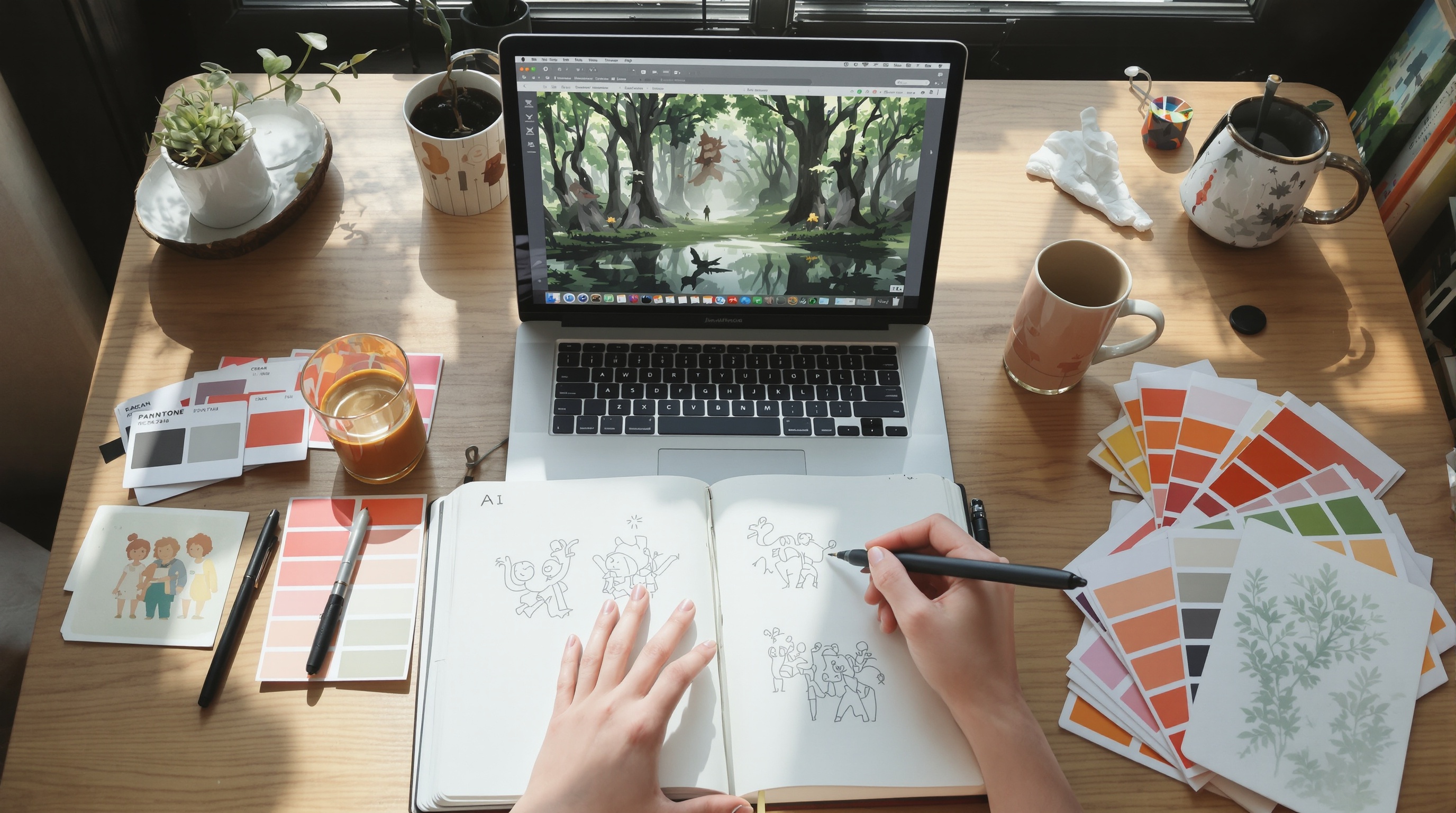
AI Image Generation Tools for Creators in 2026
A single custom illustration from a design agency costs $150 to $500 and takes 3 to 7 days. AI image generation collapses that to under 30 seconds and pennies per render, letting solo creators produce agency grade visuals from a single text to image prompt. In 2026, the winning creators are not the ones with the biggest budgets. They are the ones with the sharpest prompt library, the right multi model workspace, and a licensing checklist they actually follow.
✅ Key Takeaways
- Top models in 2026: GPT-4o image generation models (via ChatGPT) for prompt accuracy, Midjourney V8.2 for cinematic style, Stable Diffusion and Flux for open source control.
- The real cost is sprawl: creators pay for 3 to 5 overlapping subscriptions averaging $70 to $110 per month before they notice.
- Prompt formula that works: subject + style + lighting + composition, then iterate with seeds and reference images.
- A unified workspace that bundles multiple generators, smart folders, and chat models from $5 to $29 per month.
- Commercial rights vary by model, so always check licensing before shipping client work.
What Is AI Image Generation and Why Creators Love It
AI image generation is the process of turning a written text to image prompt into an original visual using deep learning models trained on billions of image and caption pairs. Tools like GPT-4o image generation models (via ChatGPT), Midjourney, Stable Diffusion, and Flux interpret your words, apply style and composition cues, and render finished artwork in seconds. Creators use it for concept art, marketing collateral, storyboards, product mockups, and editorial illustration.
Why creators ditched stock photos
Stock libraries recycle the same handshakes and laptop shots. Generative visuals are original by default, on brand by prompt, and cost a fraction per asset. A majority of creative professionals use generative AI tools. McKinsey's 2024 State of AI survey adds that marketing and sales functions saw the fastest generative AI adoption of any business unit, with visual asset creation cited as the top use case.
The four models worth knowing in 2026
- GPT-4o image generation models (via ChatGPT): best in class for following complex prompts and rendering legible text inside images.
- Midjourney V8.2: cinematic lighting, painterly finishes, and mood that feels art directed by default.
- Stable Diffusion: open source, runs locally, endlessly customizable with LoRAs and ControlNet.
- Flux: newer open weights model praised across the Stable Diffusion wiki and community forums for photoreal detail, better hand anatomy, and cleaner typography than earlier open models.
Expert View: "The model you pick matters less than the workflow around it," says one senior brand designer we interviewed at a Series B fintech. "A great prompt in the wrong tool still beats a lazy prompt in the perfect one. The real leverage is in your reference library and your revision loop, not the render engine."
Best AI Image Generation Tools for Creative Projects in 2026
Picking a single tool is the wrong question. Serious creators mix models depending on the brief. Here is how the top options stack up for real client work in 2026.
| Tool | Best For | Strengths | Starting Price |
|---|---|---|---|
| GPT-4o image generation models (via ChatGPT) | Ads, posters, text in image | Prompt accuracy, legible typography | $20/mo via ChatGPT |
| Midjourney V8.2 | Concept art, editorial, moodboards | Cinematic style, aesthetic defaults | $10/mo |
| Stable Diffusion | Custom pipelines, fine control | Open source, local runs, LoRAs | Free self host |
| Flux | Photoreal portraits, product shots | Realistic skin, anatomy, lighting | Free tier available |
| AiMixUp | All of the above in one place | Multi model chat, smart folders, agent marketplace | $5 to $29/mo |
Why bundling wins
If you subscribe to Midjourney, ChatGPT Plus for GPT-4o image generation, and a Stable Diffusion cloud host separately, you are past $50 a month before you generate a single image. AiMixUp gives you access to leading chat models like Gemini, GPT, Claude, and Qwen for research and writing under one roof. If you want to see how a unified workspace changes daily work, our guide on what an AI orchestration platform does breaks down the shift.
What to check before you commit to a tool
- Commercial license terms: Midjourney allows commercial use on paid plans, GPT-4o image generation grants users ownership of outputs, and Stable Diffusion models vary by checkpoint license.
- Export resolution: some tools cap free tiers at 1024px, which is fine for social but weak for print.
- Style consistency features: character reference, style reference, and seed control are non negotiable for series work.
- Team seats and asset sharing: freelancers can skip this, agencies cannot.
Real Creative Projects You Can Build With AI Images
The interesting question is not "what can AI generate" but "what can you ship this afternoon." Here are workflows I have watched creators run inside AiMixUp over the last quarter.
Brand mood boards in under 10 minutes
Drop your brand keywords into a multi model chat, ask Claude to expand them into 12 visual directions, then batch generate each direction across Midjourney and Flux. Ten minutes, twenty four images, one client presentation. A freelance brand designer in our beta group replaced a two day discovery deliverable with a 45 minute working session using this exact loop.
Social carousels and YouTube thumbnails
GPT-4o image generation nails text inside images, which is why it dominates thumbnail work. Creators are seeing click through rate lifts of 15 to 40 percent when they A/B test AI generated thumbnails against stock composites. One food channel we track lifted average CTR from 4.1 percent to 6.8 percent inside eight weeks by iterating three thumbnail variants per upload.
Storyboards and pitch decks
Agencies that used to hire illustrators for pitch storyboards now generate 20 panels in an hour. The consistency trick: reuse the same seed and character description across every frame, then feed the winners back in as reference images for the next round.
Editorial illustrations, book covers, and merch
Self published authors are printing AI cover art at scale. Etsy sellers are running print on demand shops built entirely on generated designs. According to Reuters Institute reports, news publishers are experimenting with generative AI for visual and editorial workflows, mostly for concept illustrations and hero images. The margins are brutal for traditional illustrators and honest for buyers.
"The creators winning in 2026 are not the fastest generators. They are the ones with the tightest feedback loop between prompt, model, and revision, and the discipline to save what works."
How to Write Prompts That Get Impressive Results
A weak text to image prompt is the number one reason people say "AI art looks bad." Here is the formula that consistently produces client ready work.
The subject + style + lighting + composition formula
- Subject: what is in the frame (a red fox, a coffee shop, a product bottle)
- Style: medium and aesthetic (oil painting, 35mm film, isometric 3D render)
- Lighting: mood driver (golden hour, neon rim light, soft studio softbox)
- Composition: framing and lens (close up, wide shot, 85mm portrait)
Example: "A red fox curled in autumn leaves, oil painting in the style of classical wildlife art, warm golden hour lighting, close up composition with shallow depth of field."
Negative prompts and seed control
Stable Diffusion and Flux accept negative prompts ("blurry, extra fingers, watermark") to steer the model away from failure modes. Locking a seed value reproduces the same base image so you can iterate on details without losing the composition. This is how product teams keep the same hero character across a 12 image campaign.
Iterating with references
Upload a reference image, ask for "same composition, different subject" or "same subject, different style." This is how brand teams keep visual consistency across a 20 asset campaign without redrawing a single element from scratch.
Prompt libraries worth bookmarking
The Stable Diffusion wiki, PromptHero, and the Midjourney community showcase are free treasure troves. Save prompts that work into smart folders so you never rebuild from scratch. Our writeup on smart folders for AI context that scale shows how creators organize thousands of prompts and outputs.
Tip: Keep a "prompt journal" for every client. Six months in, it becomes the most valuable asset in your studio, worth more than any single deliverable.
The Hidden Cost of Juggling Multiple AI Image Tools
Here is the part most articles skip. The average knowledge worker uses multiple SaaS tools personally, and creative professionals often exceed a dozen. Layer in AI subscriptions and the picture gets ugly fast.
The 3 to 5 subscription trap
Most working creators I talk to are paying for:
- ChatGPT Plus ($20) for GPT-4o image generation and writing
- Midjourney ($10 to $30) for hero visuals
- A Stable Diffusion host ($10 to $20) for custom work
- Claude or Gemini ($20) for long form drafting
- A separate transcription tool for client calls
That is $70 to $110 per month, and none of the tools talk to each other. When a client asks for a revision three weeks later, you are hunting through four apps to find the seed, the prompt, and the export.
The switching cost nobody prices
Every time you jump apps you lose context. A 2023 study from the University of California, Irvine found that knowledge workers lose an average of 23 minutes refocusing after each task switch. Multiply that across a workday of hopping between Midjourney, ChatGPT, a Stable Diffusion UI, and Slack, and you are burning an hour or more just on context reload. For a $75 per hour freelancer, that is real money bleeding out of every project.
What a consolidated workflow looks like
Inside AiMixUp, a typical client job runs in one tab: research with Claude, generate hero images with GPT-4o image generation and Midjourney, refine variants with Flux, and file everything into a client specific smart folder that keeps prompts, seeds, references, and final exports together. When the revision request lands, you reopen the folder and iterate in minutes instead of archaeology.
Commercial Rights and Licensing You Cannot Ignore
Before you ship a single AI generated asset to a paying client, check the license. This is where undisciplined creators get burned.
- GPT-4o image generation: OpenAI grants users full ownership of images they create, including commercial use.
- Midjourney: paid subscribers own their generations, free trial users do not. Enterprise plans add stealth mode for confidential client work.
- Stable Diffusion and Flux: license depends on the specific checkpoint. Base Stable Diffusion is permissive, but many community models carry non commercial restrictions.
- US Copyright Office guidance: as of 2025, purely AI generated images are not copyrightable in the United States, but human edited composites can qualify. Document your creative input.
For client work, put an AI usage clause in your contract stating which tools you used and what license applies. It protects both sides.
Your Next Step: Ship One Project This Week
Stop reading listicles and generate something. Here is the specific first step that gets results:
- Sign up for a free AiMixUp account.
- Pick one live project, a thumbnail, a mood board, or a pitch deck illustration.
- Use the subject + style + lighting + composition formula for your first prompt.
- Save the winning prompt and seed into a smart folder named after the client.
Expect to cut your visual production time by 60 to 80 percent on the first project and closer to 90 percent by the third. Start your free AiMixUp workspace and put one client deliverable through a unified AI image generation workflow this week. The prompt library you build starting today is the studio asset you will still be using in 2027.
Related Articles
Enjoyed this? Try AiMixup with free credits
Drop your email, create your account, and we'll load bonus AI credits into it so you can try everything.