Outpaint an image and extend it past the frame.
Outpainting extends an image beyond its original edges — the model imagines what's plausibly outside the frame and blends it in, so a tight crop becomes a wider scene without a visible seam.
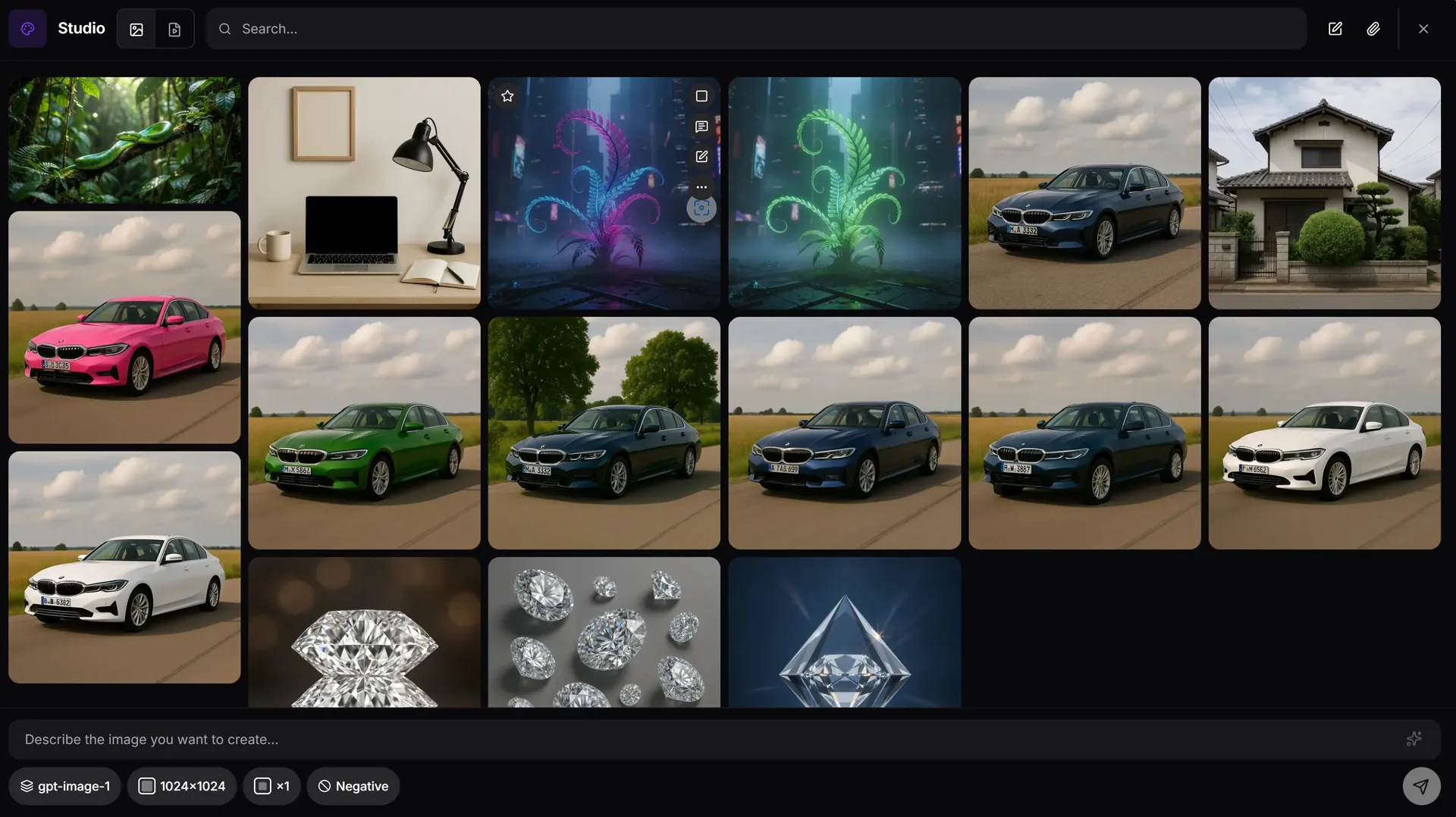
How outpainting works in AiMixup
Extend in any direction
Push the canvas out on one or more sides and let the model continue the scene — matching lighting, style and perspective.
Seamless blend, not a collage
The generated extension is rendered against the original pixels, not pasted next to them, so the join doesn't show.
Reference-aware
Outpaint using the original image as reference so the extended area stays consistent with subject, palette and style.
The shot didn't capture enough of the scene. Outpaint fills in the rest.
Try AI outpainting free
Create your account and get bonus credits to try Image & Video Studio.
Frequently asked questions
What is AI outpainting?
Outpainting extends an image past its original edges — the model generates new content outside the frame that blends with what's already there.
How is outpainting different from expanding an image?
Outpainting is about continuing the scene artistically (more background, a wider view). Expanding is usually about changing the canvas's aspect ratio to fit a different format — AiMixup's expand tool covers that case.
Which models support outpainting?
Outpainting is available with the image models in AiMixup's Studio — GPT-Image, Imagen and Grok.
Is outpainting free?
Image & Video Studio is included from the Light plan ($5/mo) and on every Team plan — it isn't part of the Free tier.