Inpaint any part of an image without redrawing the rest.
Inpainting masks a region of an image and regenerates only that region — the rest of the picture stays pixel-for-pixel the same. It's the fix for "everything about this image is right except one thing."
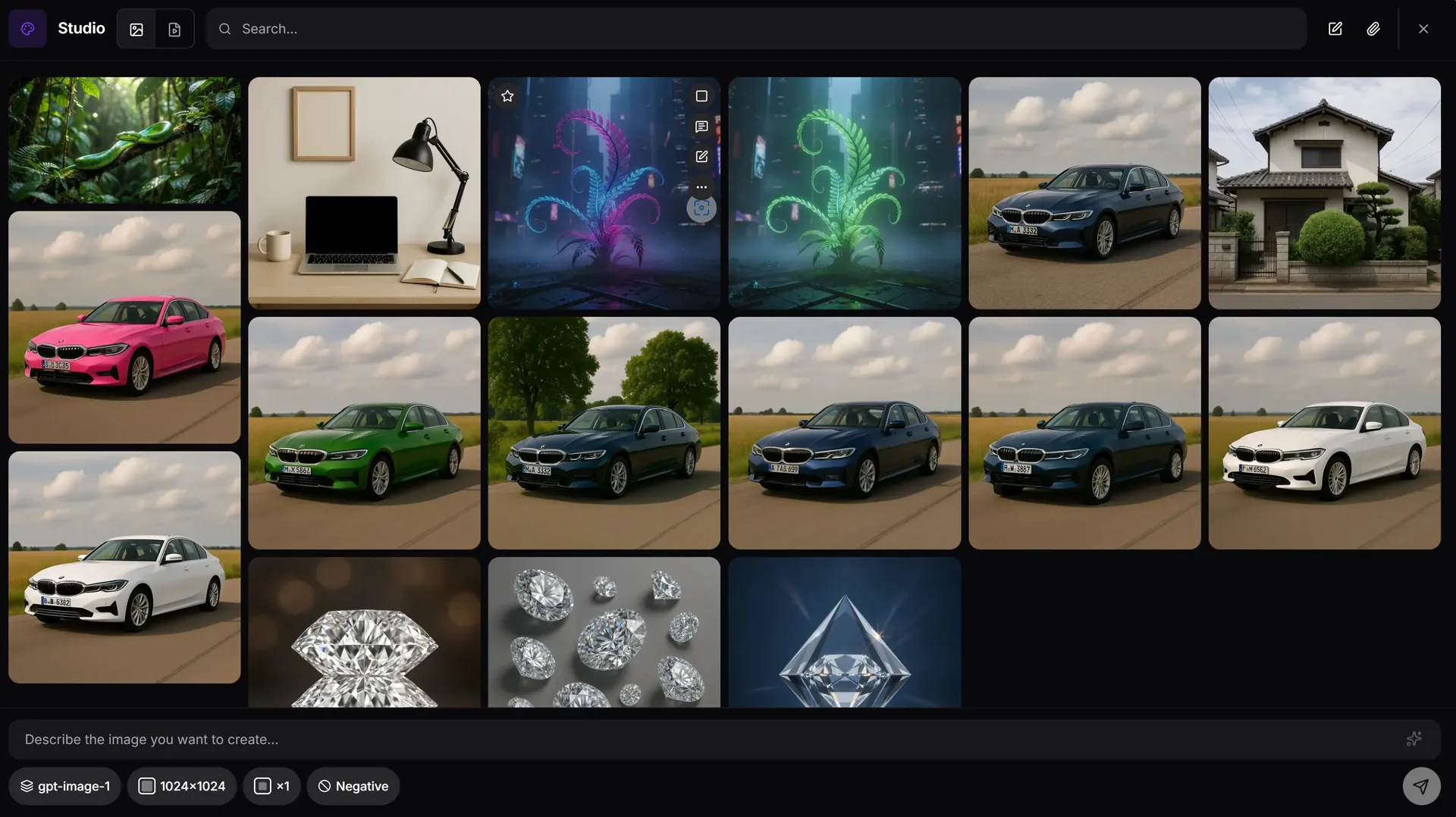
How inpainting works in AiMixup
Mask, then prompt
Select the region you want changed and describe the replacement — the model regenerates only what's inside the mask.
Composition stays locked
Everything outside the mask is untouched pixel-for-pixel, so lighting, framing and the rest of the subject don't shift.
Pick the model per edit
Inpaint with GPT-Image, Imagen or Grok — whichever renders the replacement best for that image.
One wrong detail shouldn't mean starting over. Mask it, describe it, done.
Try AI inpainting free
Create your account and get bonus credits to try Image & Video Studio.
Frequently asked questions
What is AI inpainting?
Inpainting lets you select (mask) a region of an existing image and regenerate only that region from a text prompt, while the rest of the image is left exactly as it was.
Which models does AiMixup's inpainting support?
GPT-Image, Imagen and Grok are all available for inpainting inside the Image & Video Studio, so you can pick whichever renders your edit best.
Is inpainting available on the Free plan?
No. Image & Video Studio is included from the Light plan ($5/mo) and on every Team plan — it isn't part of the Free tier.
Can I combine inpainting with other edits?
Yes — inpaint, then outpaint, erase, expand or enhance the same image in the same Studio session, and organize the results with tags in your gallery.