Expand an image's canvas AI fills in the rest.
Expand changes an image's aspect ratio — square to landscape, portrait to widescreen — by generating new canvas area around the original, so the same shot fits a different format without cropping the subject out.
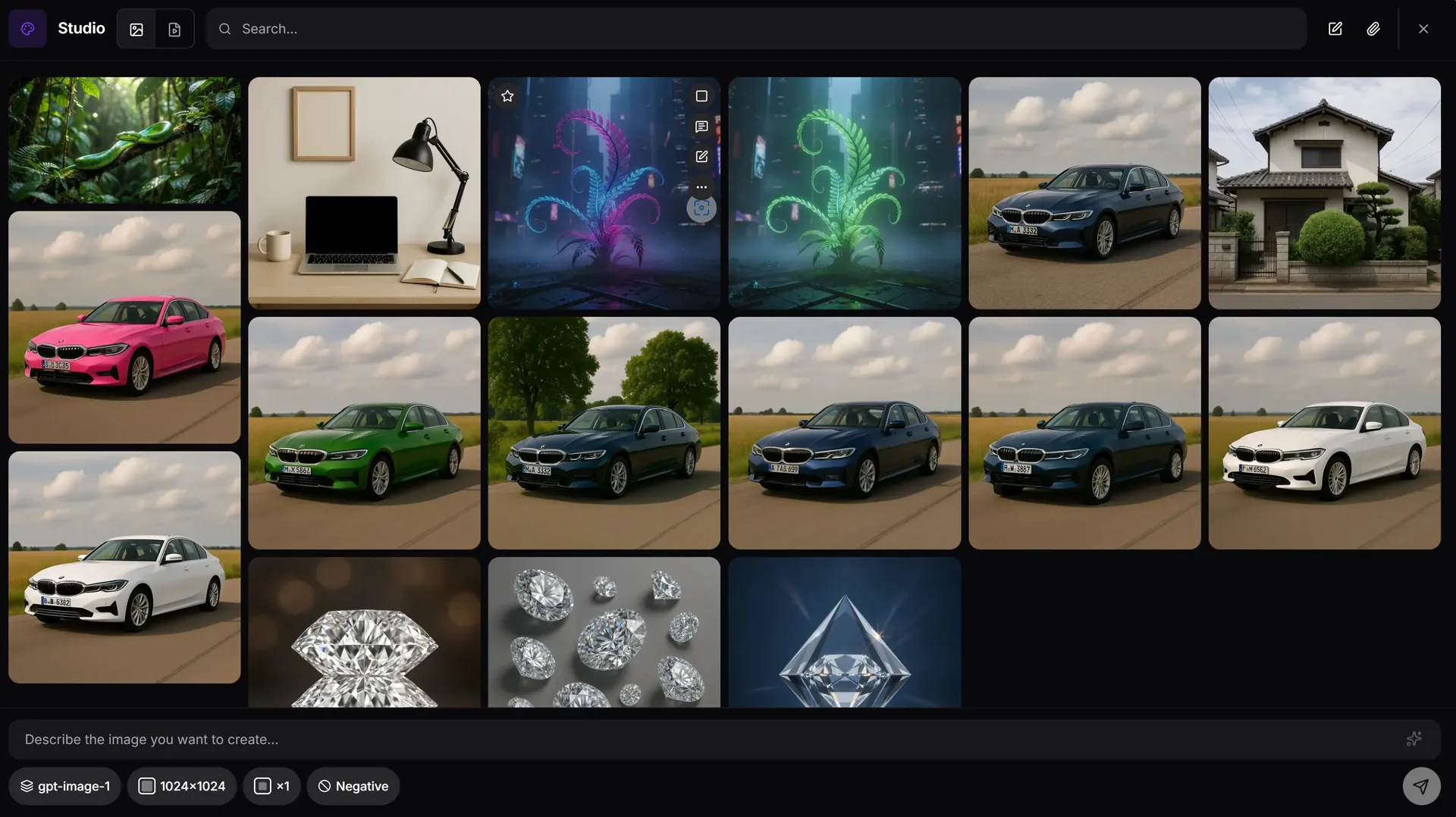
How canvas expand works in AiMixup
Pick the new aspect ratio
Resize the canvas to the ratio you need — the model generates the new area instead of stretching or cropping the original.
Subject stays centered and intact
The original image is preserved as-is; only the added canvas is generated to match it.
Reuse one shot across formats
Take one generated or uploaded image and produce the square, portrait and widescreen versions you need for different placements.
One image, wrong shape for where it needs to go. Expand the canvas instead of re-shooting.
Expand an image free
Create your account and get bonus credits to try Image & Video Studio.
Frequently asked questions
What does 'expand image AI' mean?
It means resizing an image's canvas to a new aspect ratio by having the AI generate new surrounding content, rather than stretching, cropping, or letterboxing the original.
Will expanding distort my original image?
No — the original pixels are preserved; only the newly added canvas area is AI-generated to match it.
Which formats can I expand to?
Any aspect ratio the Studio supports for the model you're using — common targets are square, portrait and widescreen.
Is canvas expand part of the Free plan?
Image & Video Studio is included from the Light plan ($5/mo) and on every Team plan — it isn't part of the Free tier.