Erase any object from a photo with one AI edit.
Erase removes an unwanted object from a photo and fills the gap with content that matches the surrounding scene — no manual cloning, no visible patch.
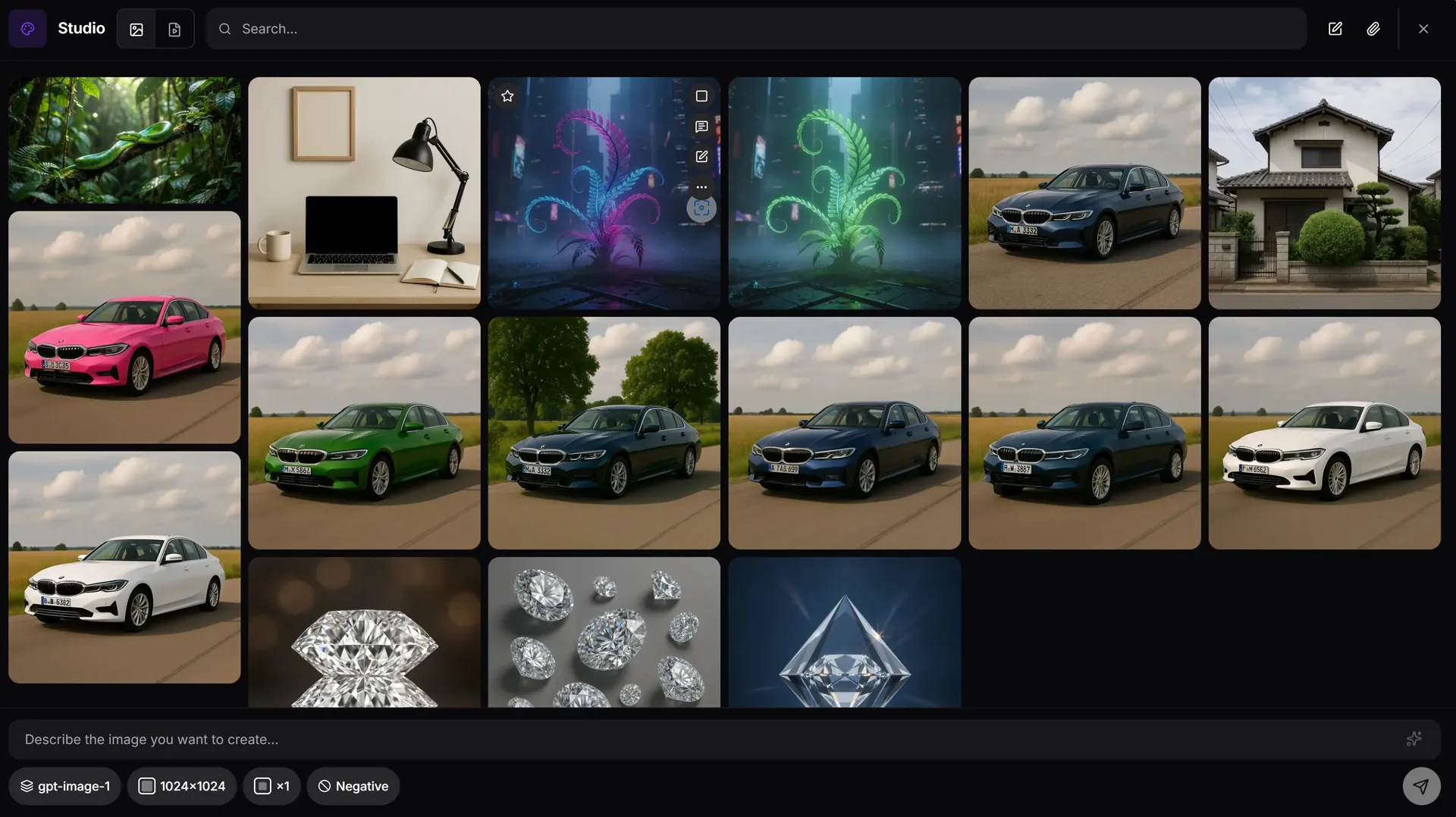
How object erase works in AiMixup
Select the object, not the background
Mark what you want gone and the model fills the space with plausible background — no manual retouching.
Keeps the rest of the photo intact
Only the erased area is regenerated; lighting, texture and everything else in the frame stays as-shot.
Works alongside inpaint & enhance
Erase an object, then inpaint a replacement or enhance the result — all in the same Studio session.
It doesn't belong in the shot. Erase it, no trace left behind.
Erase an object free
Create your account and get bonus credits to try Image & Video Studio.
Frequently asked questions
Can AI really remove an object cleanly from a photo?
Yes — the model fills the erased region with content generated to match the surrounding scene (lighting, texture, perspective), so the result usually looks like the object was never there.
What kinds of objects can be erased?
Anything selectable in the frame — people, watermarks, power lines, signage, stray items. Complex overlapping objects may need a follow-up inpaint pass for the cleanest result.
Which models handle object erase?
Object erase is available with AiMixup's image models — GPT-Image, Imagen and Grok — inside the Image & Video Studio.
Do I need a subscription to erase objects from photos?
Image & Video Studio is included from the Light plan ($5/mo) and on every Team plan — it isn't part of the Free tier.