Generate AI image variations from one prompt or reference.
Variations generate several takes on the same prompt or reference image — same subject and style, different composition or detail — so you can compare and keep the one that works instead of re-prompting from scratch each time.
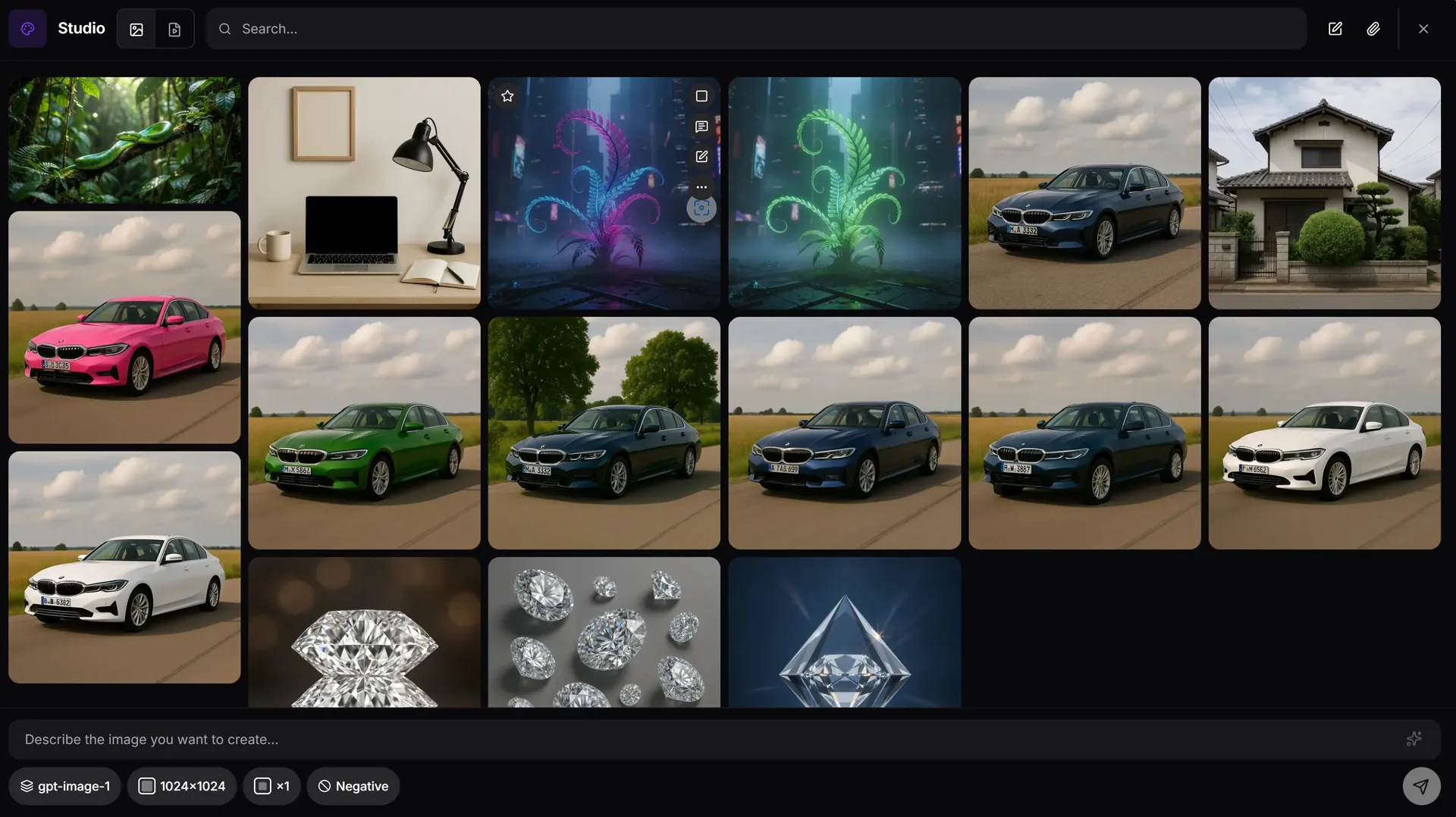
How variations work in AiMixup
Vary from a prompt or a reference image
Generate a batch from text, or feed in an existing image as a reference and get takes styled after it.
Same subject, different execution
Variations keep the core subject and style consistent while changing composition, pose or detail between takes.
Tag and organize as you go
Keep the takes you like and organize them in your gallery with tags — no need to re-generate what you've already picked.
The first result isn't always the right one. Generate variations, keep the best.
Generate image variations free
Create your account and get bonus credits to try Image & Video Studio.
Frequently asked questions
What are AI image variations?
Variations are multiple generated takes on the same prompt or reference image — sharing the core subject and style, but differing in composition or detail — so you can pick the best one.
Can I generate variations from an existing image, not just a prompt?
Yes — upload or select a reference image and AiMixup generates variations styled after it.
How many variations can I generate at once?
You can generate a batch per request; each variation is billed per generation from your plan's monthly credits.
Do variations require a paid plan?
Image & Video Studio is included from the Light plan ($5/mo) and on every Team plan — it isn't part of the Free tier.