Enhance an image with AI sharper, higher-res, same subject.
Enhance increases resolution and sharpens detail on an image without changing its subject or composition — useful for a generated image that needs to be crisper, or an upload that's lower-res than you need.
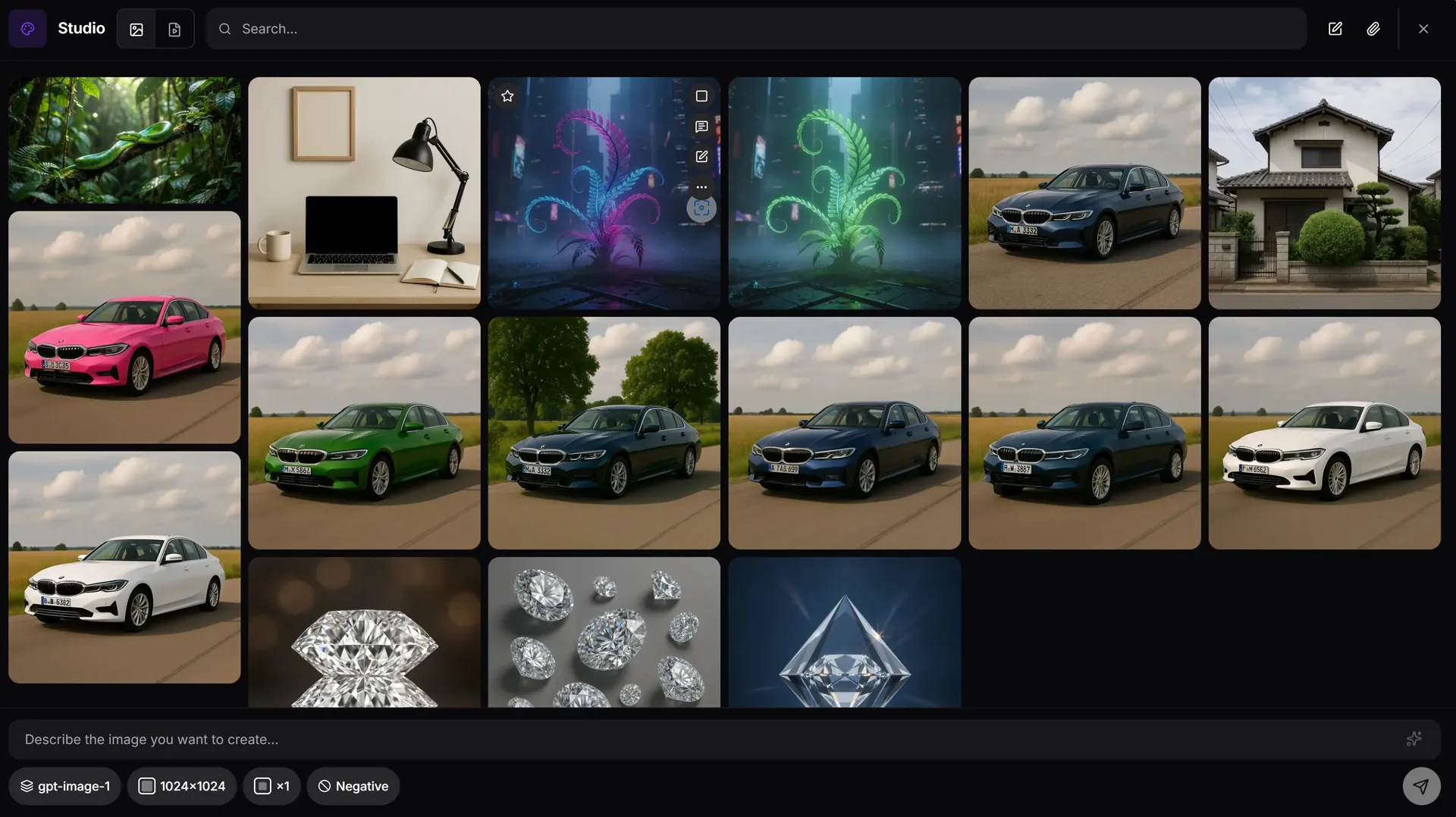
How enhance works in AiMixup
Sharpen without re-generating
Enhance works on the image you already have — it doesn't reroll the composition, it clarifies it.
Higher resolution for export
Get a larger, cleaner version of the same image when the original is too small for where it's going.
Chain it after other edits
Inpaint, outpaint, erase or generate variations first, then enhance the final result before exporting.
The image is right — the resolution isn't. Enhance it without starting over.
Enhance an image free
Create your account and get bonus credits to try Image & Video Studio.
Frequently asked questions
What does AI image enhance do?
It sharpens detail and increases resolution on an existing image while preserving its subject and composition — it doesn't regenerate the image from scratch.
Can I enhance an image I uploaded, not just one I generated?
Yes — enhance works on uploaded images as well as ones generated in the Studio.
Will enhancing change what's in the image?
No — enhance is a clarity/resolution pass, not a content edit. For content changes, use inpaint, erase or outpaint instead.
Is image enhance available on the Free plan?
Image & Video Studio is included from the Light plan ($5/mo) and on every Team plan — it isn't part of the Free tier.