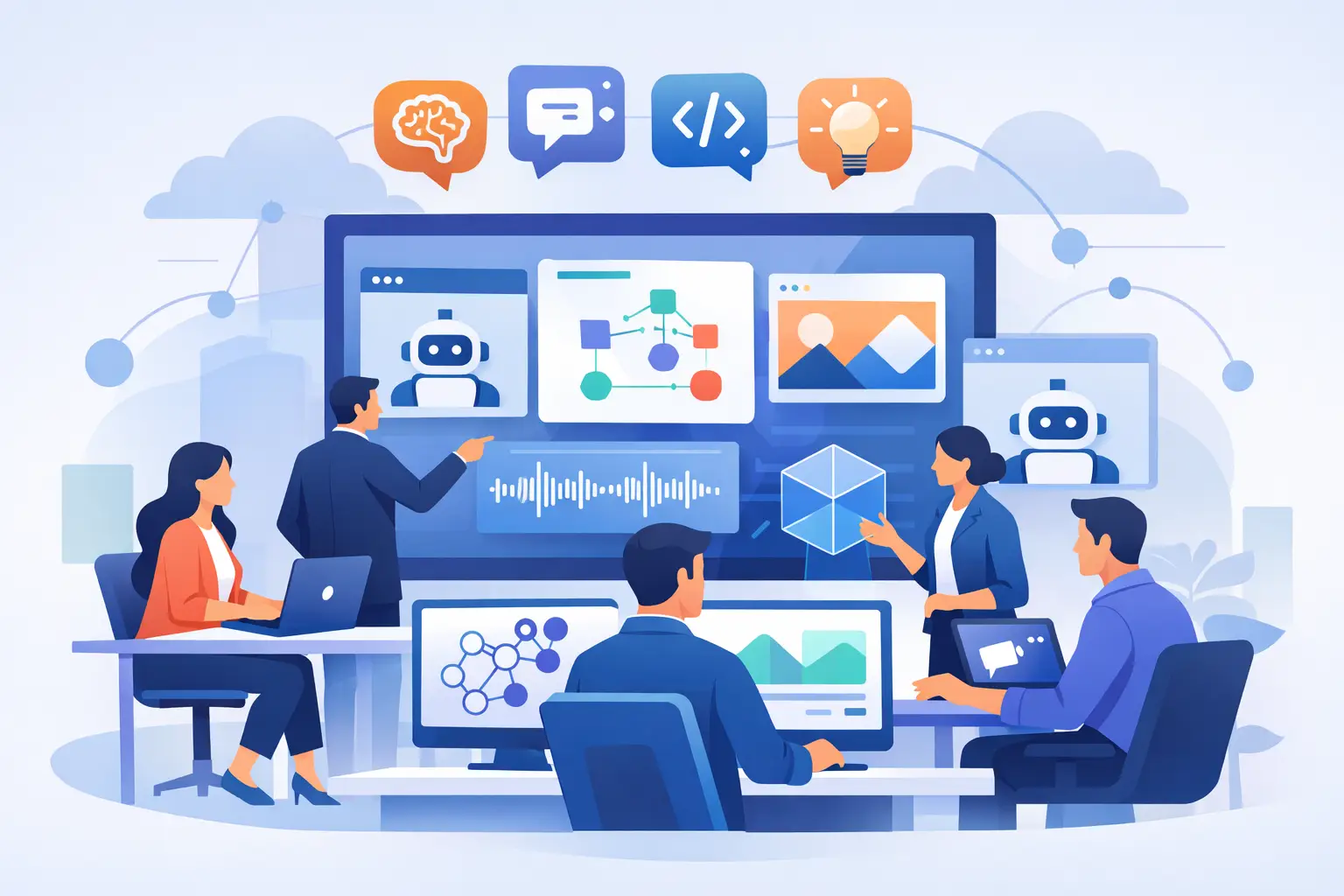
Multi AI Workspace for Teams That Executes
If your team is running strategy in one chat app, prompting AI in five browser tabs, storing decisions in docs nobody revisits, and chasing meeting notes across inboxes, you do not have an AI workflow. You have fragmentation with better marketing. A multi ai workspace for teams fixes that by putting people, models, files, conversations, and execution inside the same operating layer.
That distinction matters more than most teams realize. The first wave of AI adoption was individual and experimental. One person used one model to draft copy. Another used a different one for code. Someone else pasted customer notes into a third tool for analysis. Useful in the moment, but messy at team scale. Context gets lost, outputs conflict, and nobody can see what was asked, what was decided, or which AI performed best.
A real team workspace changes the unit of value from isolated prompts to shared execution. Instead of treating AI like a sidecar, it becomes part of how work moves.
Why teams outgrow single-chat AI fast
Single-model chat tools are fine for ad hoc tasks. They break down when multiple people need to collaborate across projects, review outputs, preserve context, and move from ideas to deliverables without constant copy-paste.
The first problem is context decay. A marketer asks an AI to analyze campaign performance. A product manager asks another tool to summarize customer calls. Engineering opens a separate assistant for implementation planning. Each result may be decent on its own, but the team has no persistent shared memory connecting those workflows. Every new prompt starts from a partial picture.
The second problem is model trust. Different models are good at different jobs. One may be stronger at long-form reasoning, another at coding, another at fast summaries, another at image generation. Teams that rely on one model for everything either accept lower-quality output or create a shadow stack of disconnected tools. Neither is efficient.
The third problem is handoff friction. Meetings produce transcripts. Research produces documents. Documents produce decisions. Decisions produce tickets, code, campaigns, and assets. When AI lives outside that chain, people spend more time moving information than acting on it.
What a multi AI workspace for teams actually does
A multi AI workspace for teams is not just a place to chat with several models. It is a shared environment where humans and multiple AIs work against the same project context.
That means the workspace understands more than a single prompt. It can keep files, discussions, call transcripts, research threads, and task history connected. It gives teams model choice without forcing them to rebuild context each time they switch. It lets product, marketing, research, and engineering operate from the same source of working truth.
The best version of this setup feels less like opening another chatbot and more like opening your team command center. You can compare models side by side, store project knowledge in structured spaces, run web research, analyze files, generate content and visuals, and push work toward execution without leaving the workspace.
That is the difference between AI that entertains and AI that compounds.
The operational payoff of one shared AI layer
When teams centralize AI work, speed improves, but speed is not the only gain. Clarity improves too.
First, everyone can see the history behind outputs. If a research summary shaped a roadmap decision, the supporting material is still attached. If a campaign direction came out of customer-call analysis, that chain is preserved. That visibility makes AI outputs easier to trust, challenge, and refine.
Second, comparison becomes practical. Instead of betting on one model, teams can test multiple AIs against the same task and pick the strongest response for the job. This is especially valuable for high-stakes work like strategic analysis, technical planning, and customer-facing content, where quality matters more than novelty.
Third, the workspace reduces tool switching. That sounds small until you measure the cost. Every tab change is a context change. Every export, paste, and reformat is drag on execution. Consolidation removes operational waste that most teams have quietly normalized.
Fourth, it creates a better system for reuse. Good prompts are reusable. Strong analyses are reusable. Meeting intelligence is reusable. A shared workspace turns those into team assets instead of personal hacks.
Where teams feel the difference first
Product teams usually feel the value early because they live in cross-functional complexity. They need customer feedback, call notes, specs, prioritization, stakeholder updates, and technical coordination in one stream. A shared AI workspace can analyze feedback patterns, summarize meetings, draft product docs, and support planning without breaking context between discovery and delivery.
Marketing teams benefit because campaign work is inherently multi-step. Research informs messaging. Messaging shapes creative. Creative affects landing pages, ads, email, and sales enablement. In fragmented AI setups, each stage starts over. In a connected workspace, the campaign memory persists.
Research and operations teams gain leverage from document analysis, web research, and structured retrieval. Instead of hunting across spaces and chats, they can work from organized project memory and ask multiple AIs to pressure-test findings.
Engineering organizations have a more specific requirement. They do not just need help writing code. They need AI inside a controlled development environment with project context, plugins, workflows, onboarding, and governance. That is where generic chat products often fail. They can generate snippets, but they do not support disciplined software delivery on their own.
What to look for in a multi AI workspace for teams
The core test is simple: does the platform help your team produce real deliverables faster, or does it just generate more output?
Start with shared context. If every user has a separate AI history with no durable team memory, you are still operating as a set of individuals. Look for workspace-level organization that preserves conversations, documents, calls, and decisions by project.
Then evaluate model flexibility. A serious platform should let teams work with multiple AIs in one place, not force a single-model worldview. Different tasks require different strengths, and serious teams want optionality.
Next, look at workflow depth. Can the system handle file analysis, web research, call transcription, content generation, image or video generation, and project coordination inside the same environment? Breadth matters, but only if it supports real work rather than a random collection of features.
For technical organizations, the bar is higher. You need secure deployment options, role-based access, auditability, and support for private environments. If AI is touching proprietary code, strategy, customer data, or internal operations, governance cannot be an afterthought.
This is also where platforms like AiMixUp make a stronger case than standalone assistants. The value is not only that multiple models are available. It is that the workspace is built for team execution, with shared operations, smart context management, AI-powered calls, and development workflows designed for production rather than demos.
Trade-offs are real, and they matter
Not every team needs the most advanced setup on day one. A five-person startup experimenting with AI may get enough value from lightweight tools for a while. But once work crosses functions, once compliance matters, or once AI starts shaping live deliverables, the cracks show quickly.
There is also a change-management factor. Centralizing AI work requires teams to adopt shared habits. People have to stop treating prompts like private scratchpads and start treating AI work as part of the operating process. That shift is worth it, but it does require leadership and structure.
More capability can also create noise if the workspace is poorly designed. Fifty-plus AIs are useful only if the interface, permissions, and project organization keep work focused. Otherwise, teams trade one kind of sprawl for another.
So the right question is not, do we want more AI tools? It is, do we want one disciplined environment where AI actually helps the team move?
The future is not more AI tabs
The next stage of AI adoption inside companies will not be won by whoever opens the most chat windows. It will be won by teams that build a system where model choice, shared memory, coordination, and execution live together.
That is why the category matters. An AI workspace for teams is not a nicer interface for prompting. It is the foundation for turning scattered AI usage into accountable, repeatable work across the business.
If your team is serious about speed, quality, and control, stop asking which model is best in isolation. Start asking where your team can do its best work with AI together.
Enjoyed this? Try AiMixup with free credits
Drop your email, create your account, and we'll load bonus AI credits into it so you can try everything.